
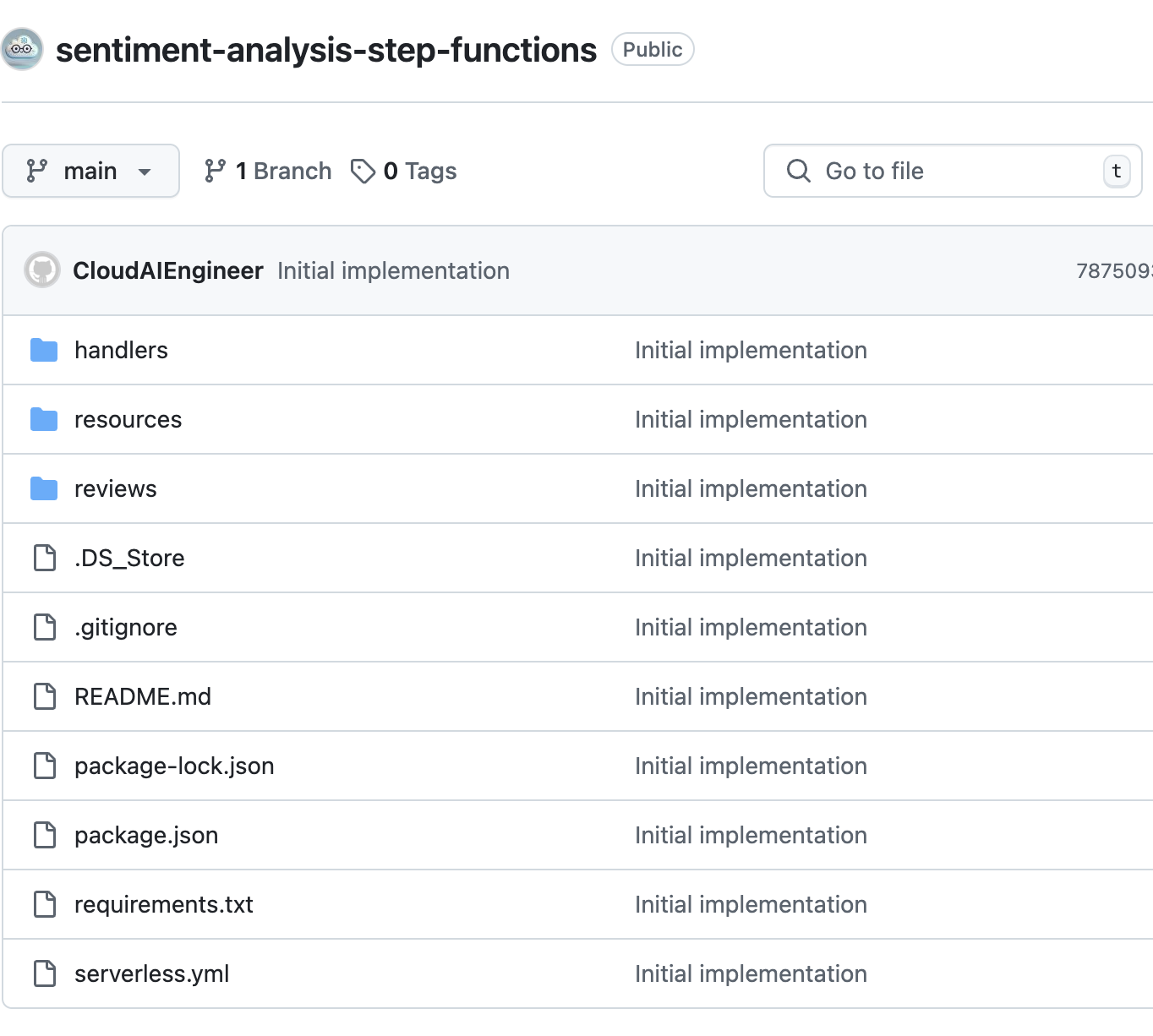
This post covers only the first part of the implementation, which involves orchestrating the workflow using AWS Step Functions and Lambda. For storing records, we use DynamoDB, and sentiment analysis is done using Amazon Comprehend. While external models like Hugging Face could be used, we chose to stay within the AWS ecosystem. For provisioning infrastructure, we utilized the Serverless Framework with Python for Lambda functions. Here’s the link to the repo GitHub: Sentiment Analysis Step Functions.
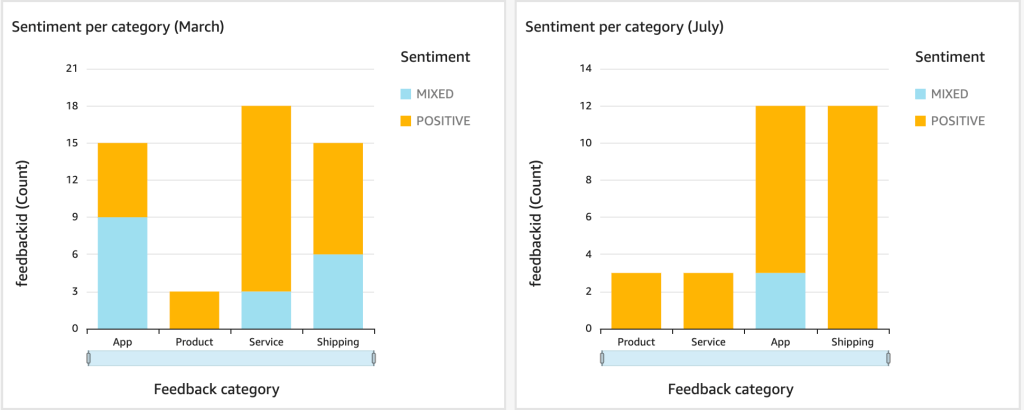
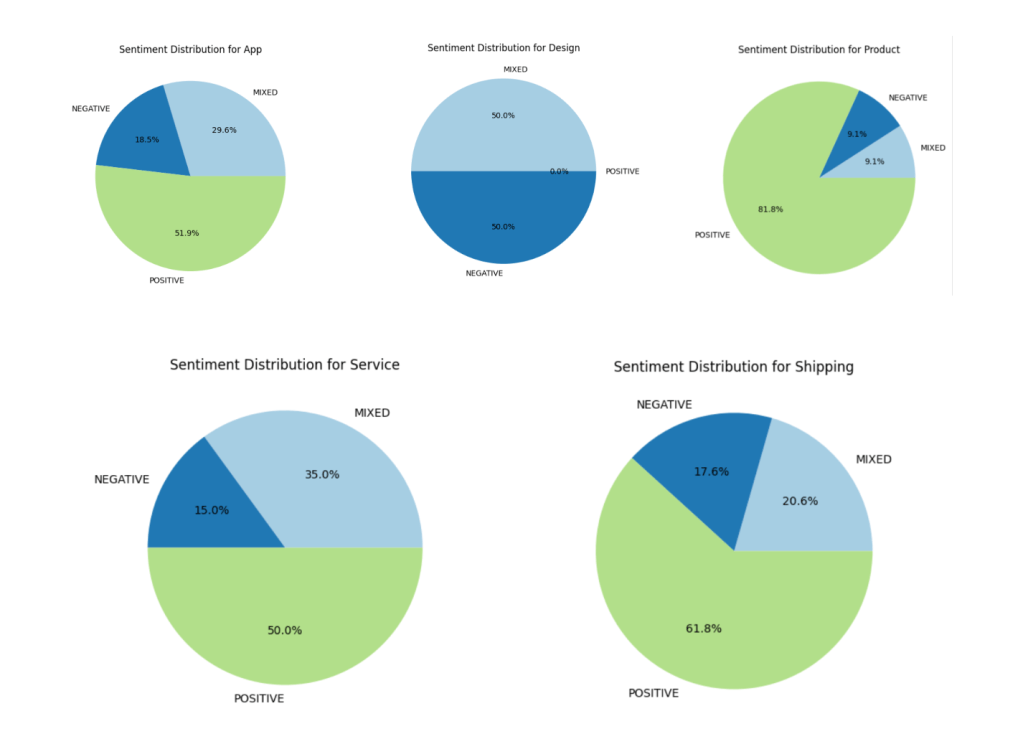
In future articles, we’ll cover a second approach for handling larger volumes of feedback and how to build a QuickSight dashboard for visualization.
Business Case: When Orchestration is the Right Choice
This architecture is ideal for small businesses, like an online store receiving a manageable number of feedback entries each day. With around 10 feedbacks daily, the business can afford to process each one individually. For negative sentiments, the system triggers an email to the manager with customer details for follow-up. The feedback is uploaded to an S3 bucket, and AWS Step Functions orchestrate the process, including extracting feedback, analyzing sentiment, and storing results in DynamoDB.
Flow of Step Functions
To illustrate how the sentiment analysis process works, here’s a breakdown of the Step Functions workflow:
- Extract Feedback: The first Lambda function is triggered to extract the necessary data from the JSON feedback stored in S3. This function is responsible for parsing the feedback and extracting the relevant content that will be sent to the sentiment analysis model.
- Analyze Sentiment: Next, another Lambda function calls an LLM (Language Model) API for sentiment analysis. Based on the feedback’s content, it classifies the sentiment into positive, neutral, or negative categories. If the sentiment is negative, the feedback will be flagged for further processing.
- Store Results: After the sentiment is determined, the results (including the sentiment classification) are stored in a DynamoDB table for later reference and analysis. An important field in the table is the
processedcolumn, which, while not used immediately, could serve future purposes. For example, it can be utilized for tracking unprocessed feedback entries, which could be processed later by a cron job. - Trigger Email: If negative sentiment is detected, an email is sent to the appropriate manager with the customer’s information and feedback, so they can follow up and address the issue directly.

Here, Step Functions ensure that the workflow runs in a specific order, and they handle error handling and retries gracefully, allowing for efficient orchestration of multiple Lambda functions.
In the repository, you’ll find the complete working code along with a README. All you need to do is run the Serverless deployment and upload a file to the S3 bucket. In the reviews folder, you’ll find a starter package containing 10 files, each with approximately 10 reviews. Once uploaded, Step Functions will trigger, and some of them will send an email that looks like this:
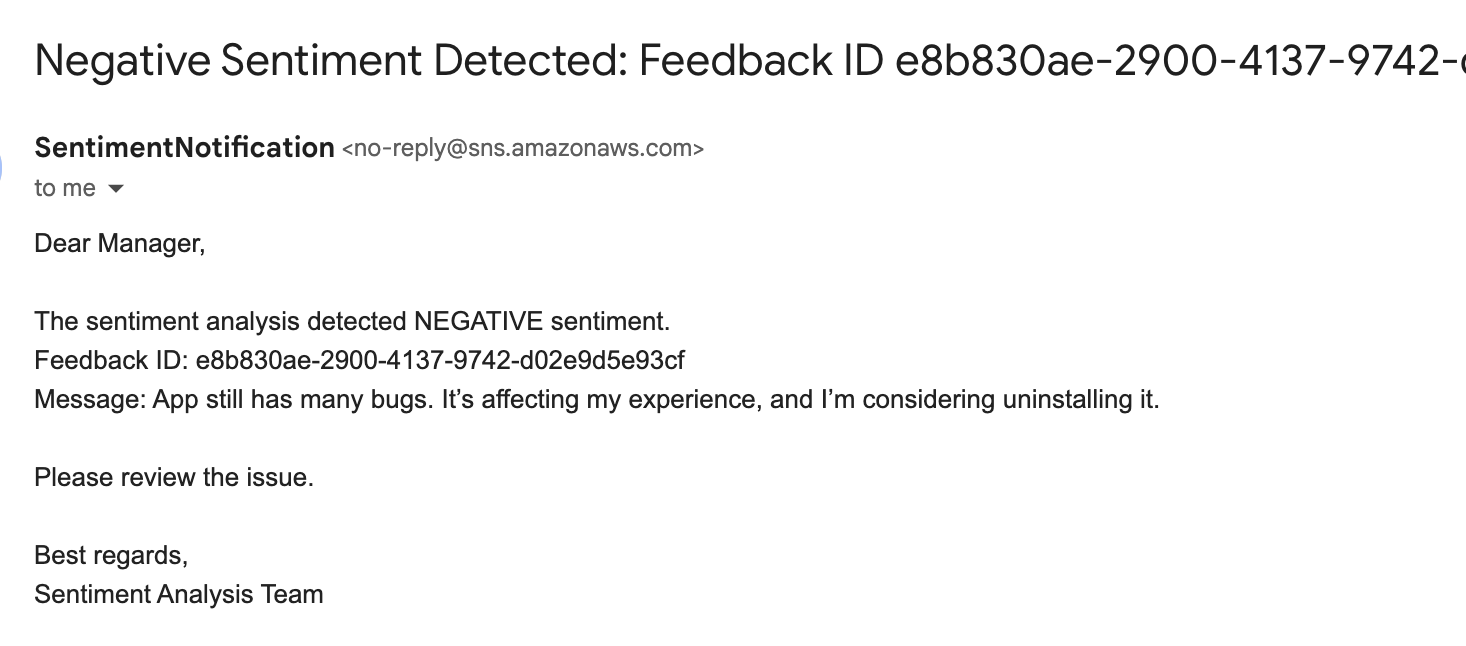
As we can see from the message, the user is clearly dissatisfied with the app and even plans to delete it, so it is evident at first glance that the sentiment is negative. 😱
Lambda Scaling and Throttling Considerations
Given the architecture where Step Functions invoke Lambda functions for each feedback entry, it’s important to consider the scaling and concurrency limits. Let’s break down how the concurrency is impacted and calculate the maximum number of feedback entries that can be processed in a single file.
Step Functions Workflow:
For each feedback entry, the following Lambda functions are triggered:
- ExtractFeedback – Extracts necessary data from the feedback (1 Lambda function).
- AnalyzeSentiment – Analyzes sentiment of the feedback (1 Lambda function).
- StoreResults – Stores the sentiment analysis results in DynamoDB (1 Lambda function).
- SendEmail – If negative sentiment is detected, an email is sent to the manager (1 Lambda function).
This results in 4 Lambda invocations per feedback entry.
Calculating Concurrency:
AWS Lambda has a default limit of 1,000 concurrent executions per account in a given region. When processing feedback entries through Step Functions, all Lambda functions are invoked almost simultaneously. Therefore, we can calculate the maximum number of feedback entries that can be processed at once before hitting the concurrency limit:
For 4 Lambda functions per feedback entry, we have 1,000 concurrent executions ÷ 4 Lambda functions = 250 feedback entries that can be processed simultaneously.
If the number of feedback entries exceeds this threshold (250 feedbacks), AWS will throttle additional Lambda invocations and you will see an error like this.

Conclusion
This article walks through the initial implementation of a sentiment analysis pipeline using AWS services, focusing on the orchestration model with Step Functions. This approach is ideal for businesses with moderate feedback volumes where manual intervention is feasible and required for negative feedback cases.
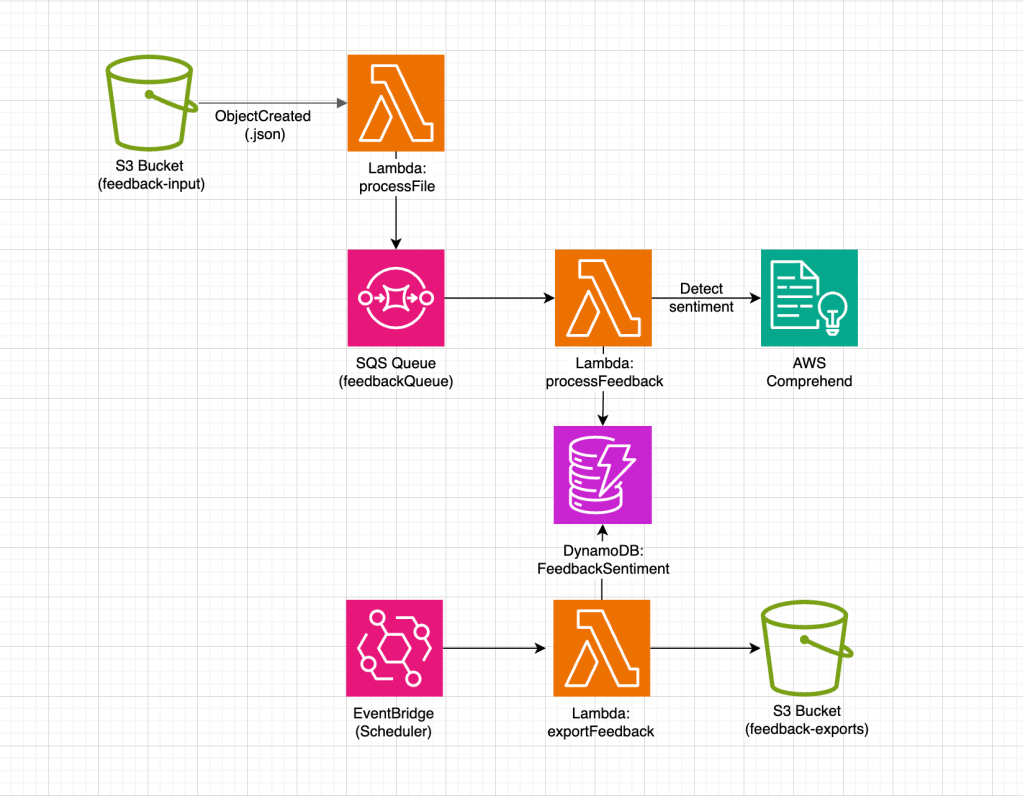
In upcoming posts, I will explore alternative architectures suitable for higher feedback volumes using queuing mechanisms and Lambda functions and how to visualize sentiment trends with AWS QuickSight.




 SmartCloud
Leave a comment